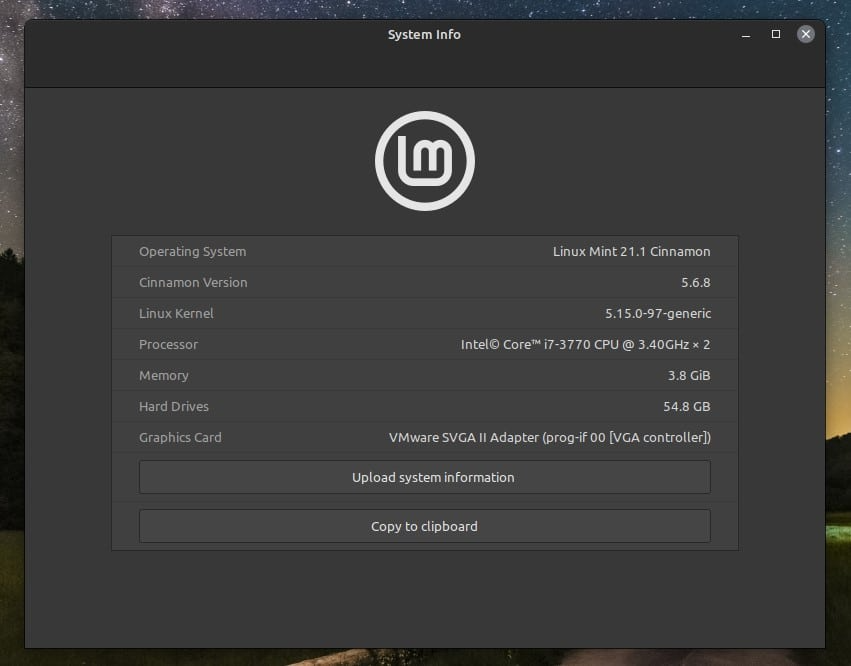
To visually identify your current Linux OS with the GUI, go to the system section in the system’s menu bar. Then, select the option for system information. This can be expressed as “About this system”, “System info”, “Information” and so on.
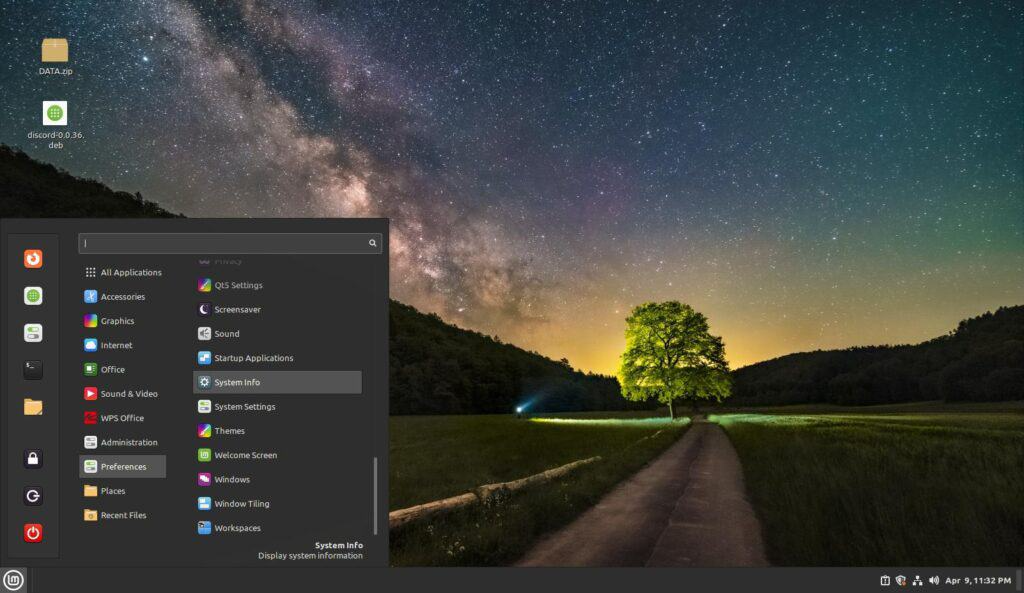
In my case, I will use Linux Mint for this example. The system information is located in the “System Info” button in this distribution. But this may vary depending on the system and desktop environment you have
Was this article helpful?
That’s Great!
Thank you for your feedback
Sorry! We couldn't be helpful
Thank you for your feedback
Feedback sent
We appreciate your effort and will try to fix the article